Projelere Dön
Computer Info
computer hardware details
🖥️ Computer Info
A comprehensive system information viewer for Windows that displays detailed hardware specifications in a modern, user-friendly interface.



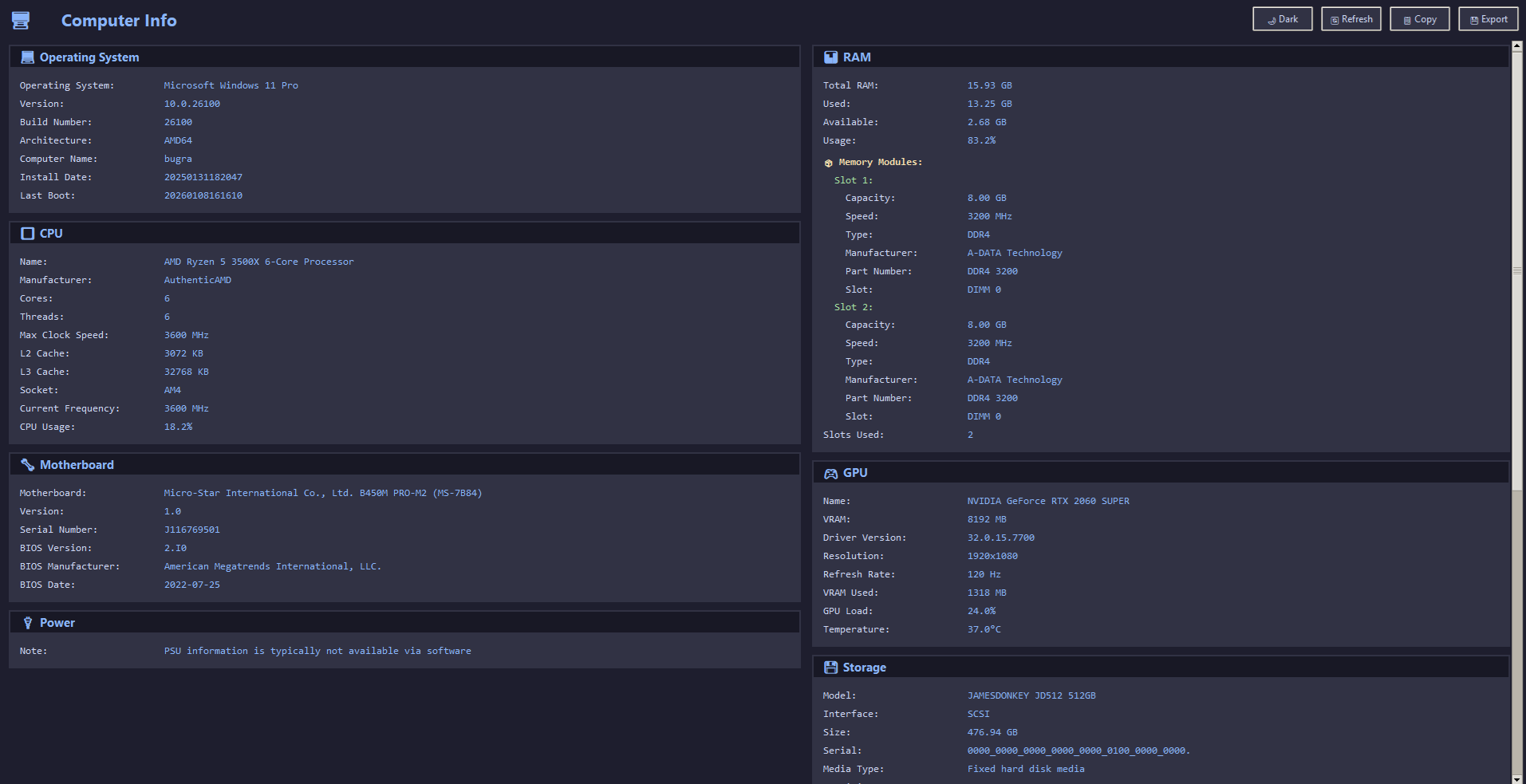
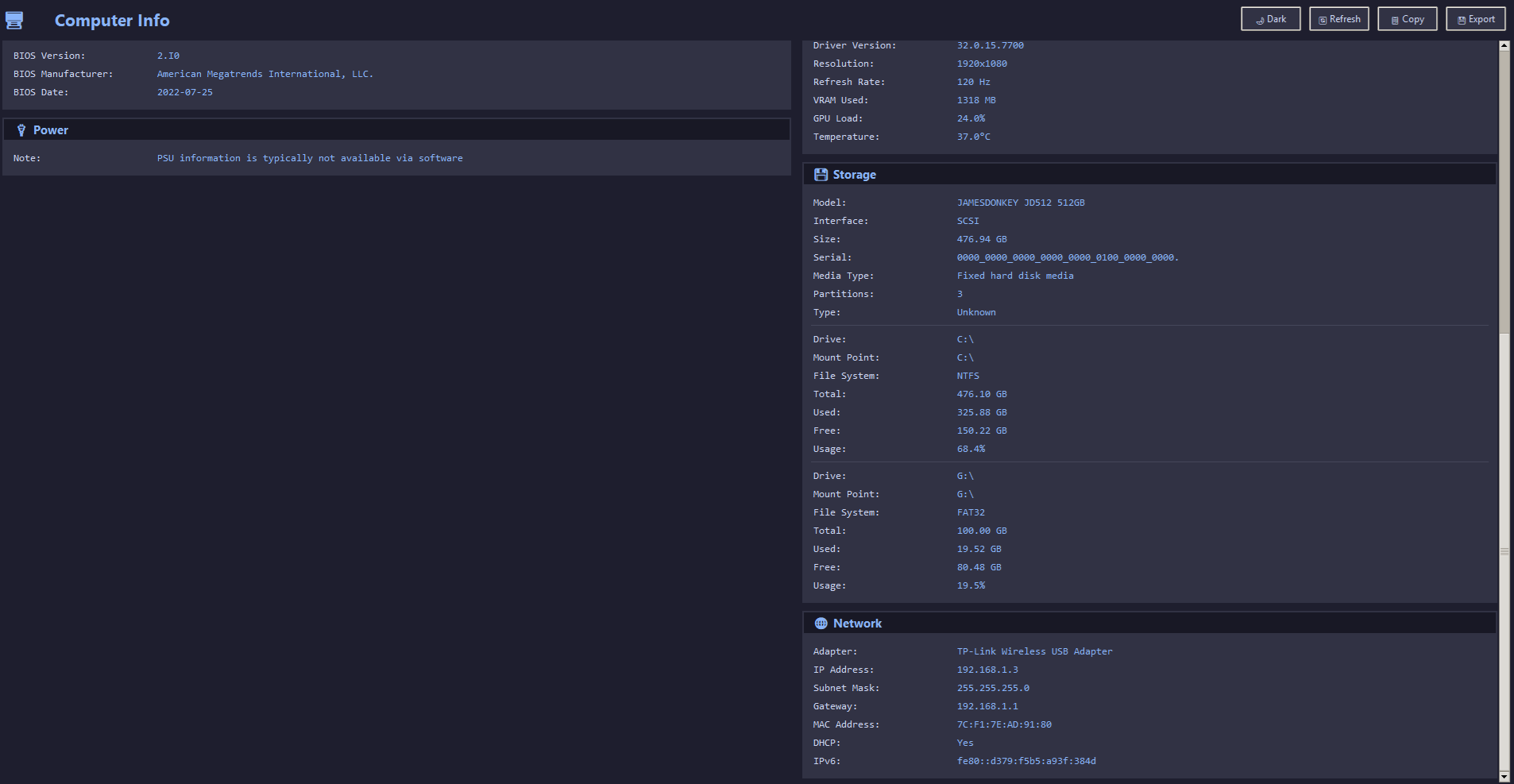
📸 Screenshots
✨ Features
- Complete Hardware Overview - View all system information on a single screen
- Dark/Light Theme - Toggle between themes for comfortable viewing
- Real-time Refresh - Update information without restarting
- Export Options - Copy to clipboard or save to file
📊 Information Displayed
| Category | Details |
|---|---|
| Operating System | Name, Version, Build, Architecture, Computer Name |
| CPU | Model, Manufacturer, Cores, Threads, Clock Speed, Cache |
| Motherboard | Manufacturer, Model, Serial, BIOS Information |
| GPU | Name, VRAM, Driver Version, Current Resolution |
| RAM | Total/Used/Available, Speed, Per-Module Details |
| Storage | All Drives (SSD/HDD), Capacity, Partitions, Usage |
| Power | Battery Info (Laptops), Power Plan |
| Network | Active Adapters, IP/MAC Address, Gateway |
🚀 Quick Start
-
Clone the repository
git clone https://github.com/bugraskl/computer-info.git cd computer-info -
Install dependencies
pip install -r requirements.txt -
Run the application
python computer_info.py
Project Structure
computer-info/
├── computer_info.py    # Main application
├── requirements.txt    # Python dependencies
├── README.md           # This file
└── LICENSE             # MIT License
🛠️ Dependencies
- wmi - Windows Management Instrumentation access
- psutil - Cross-platform system utilities
- GPUtil - NVIDIA GPU information
- pywin32 - Windows COM support
- tkinter - GUI framework (included with Python)
⚠️ Notes
- Windows Only - This application uses WMI which is Windows-specific
- PSU Information - Power supply data is limited as most PSUs don't report via software
- Admin Rights - Some information may require running as administrator
📝 License
This project is licensed under the MIT License - see the LICENSE file for details.
🤝 Contributing
Contributions are welcome! Feel free to:
- Fork the repository
- Create a feature branch (
git checkout -b feature/amazing-feature) - Commit your changes (
git commit -m 'Add amazing feature') - Push to the branch (
git push origin feature/amazing-feature) - Open a Pull Request
Made with ❤️ using Python and Tkinter